Helping users understand value fast increased 1-week extension upgrades by over 40%, resulting in a 5% overall increase in subscription upgrades.
The User Problem
Users enjoy Grammarly's free version and are curious about the premium features, but they often struggle to see the value in upgrading. Occasional premium suggestions are gifted and pique user interest, but these glimpses alone aren't compelling enough to convince them that the full suite of features is worth the cost.
Business Problem: Users can engage with suggestions directly in their text, but the assistant widget, where premium features are highlighted, is the most effective way to encourage upgrades — a critical revenue driver. However, with less than 30% of free users opening the assistant, there’s a significant gap in potential premium conversions that could be leveraged.
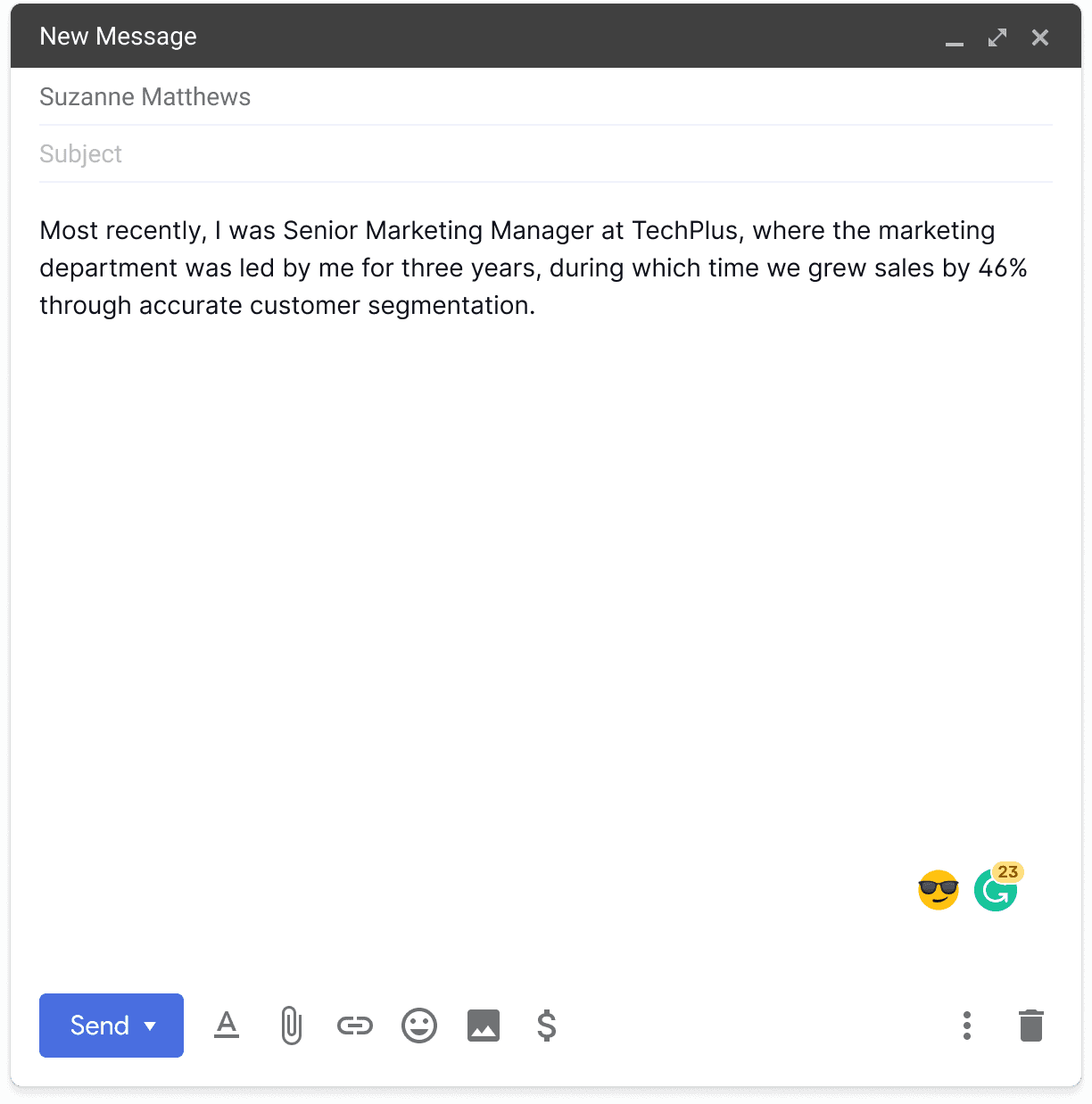
23 Premium suggestions available, though the assistant widget is often overlooked.
The Design Journey
Idea: After completing interviews with free trial participants and while conducting a design audit, I realized we weren’t visually distinguishing free premium suggestions from regular ones. If users quickly accept or dismiss a suggestion, they might not notice it was premium. Given that our premium branding is gold, I proposed introducing a distinct yellow underline specifically for premium suggestions to make them stand out more effectively.
Hypothesis: Showing users yellow underlines after they have accepted or dismissed all free inline suggestions, coupled with the "advanced issues" upgrade hook will increase subscription upgrades because it will introduce a new audience (free users who do not open the assistant) to the impact of Premium.
Good Friction: Initially, we had the yellow underlines mimic the free suggestions interaction. When users hovered over a yellow underline, an inline card would appear, informing them of available premium suggestions and prompting them to subscribe. However, we identified a significant issue: users who hovered over multiple yellow underlines were repeatedly shown the same message, creating a redundant and frustrating experience.
To resolve this, we shifted to a click interaction instead of hover and implemented show and cool-down logic. This refined approach not only enhanced the user experience by reducing frustration but also maintained a clear visual cue to demonstrate the value of Premium effectively.
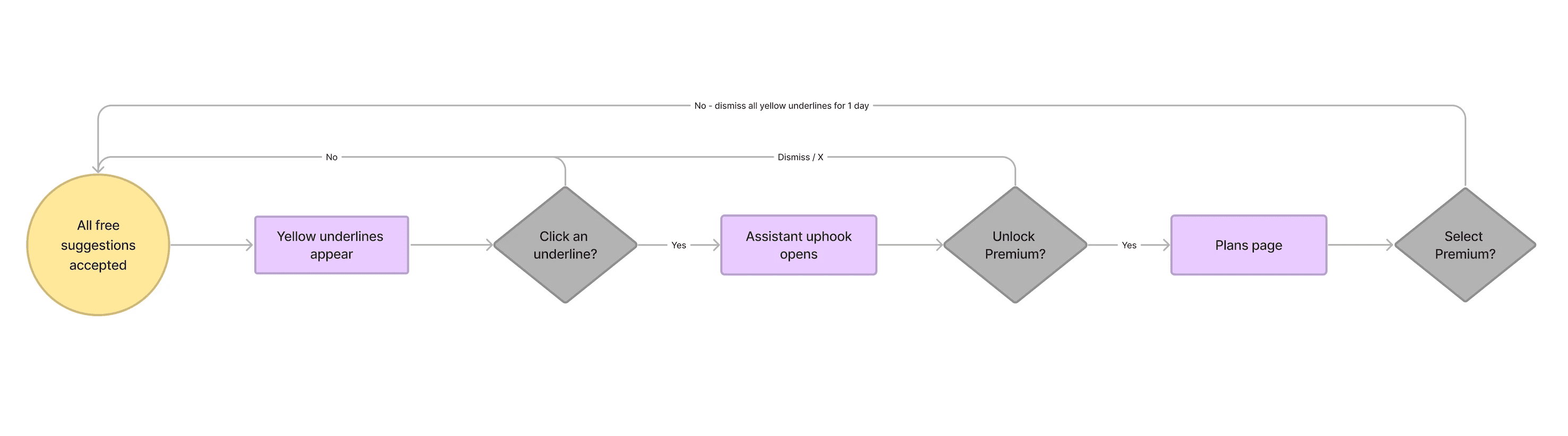
User flow
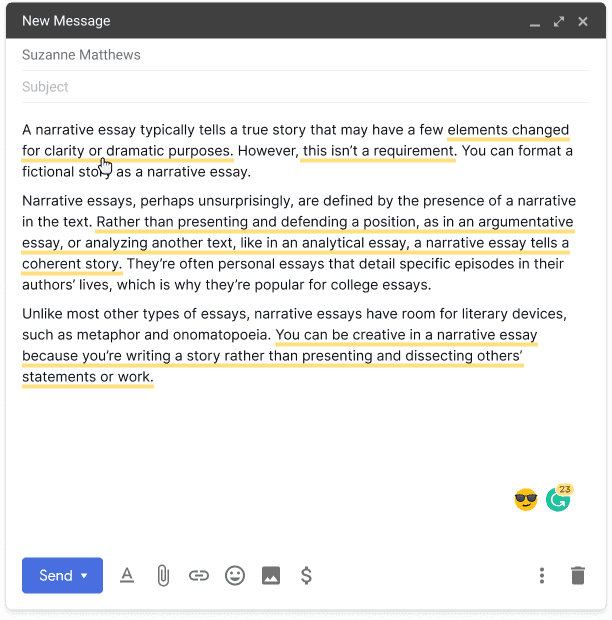
Yellow underline demonstrating the potential impact of Premium
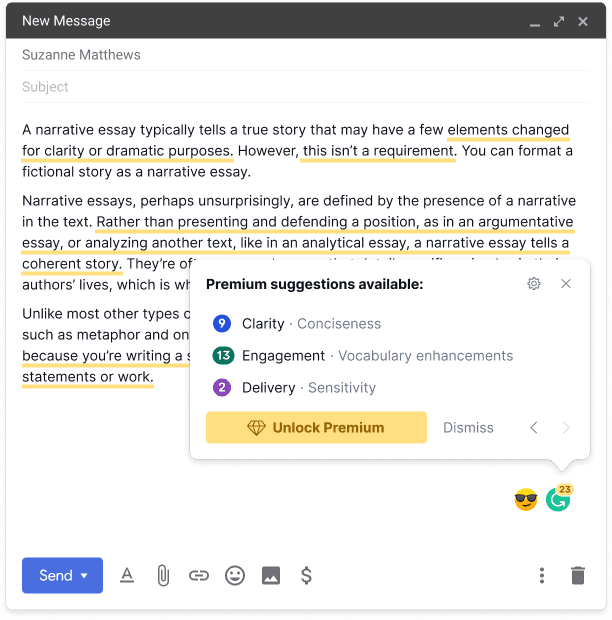
“Advanced issues” upgrade hook appears upon click.
The Business Impact
By integrating yellow underlines more intentionally, we increased 1-week extension upgrades by over 40%, which resulted in a 5% overall increase in subscription upgrades — a huge win!
We conducted a follow-up experiment on our desktop app, which resulted in a statistically significant 22.36% increase in the 1-week subscription upgrade rate.
RELATED CASE STUDIES
VIEW ALL CASE STUDIES
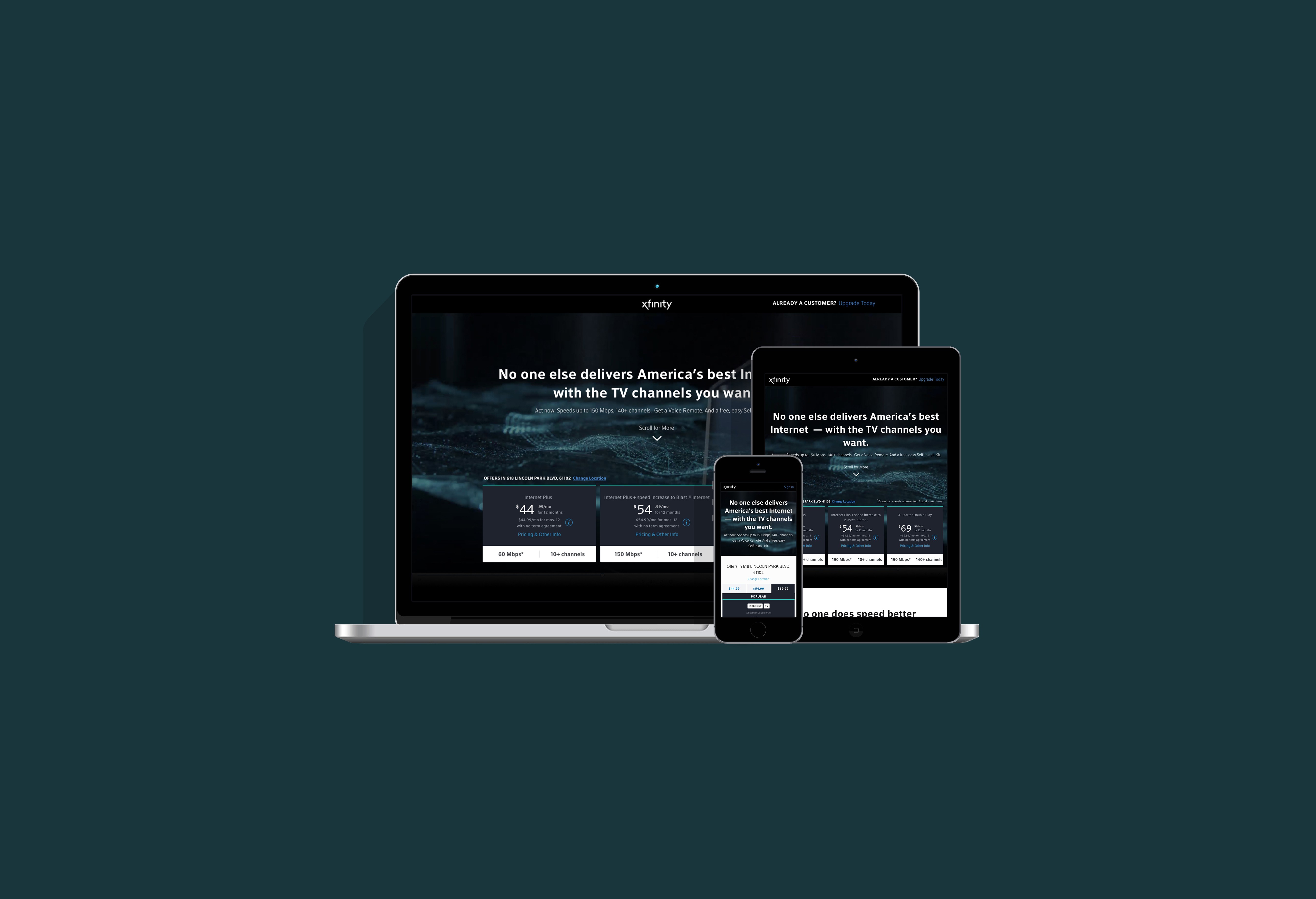
Xfinity
Responsive Web
Designing with people and psychology in mind to increase sales conversions by 11%.
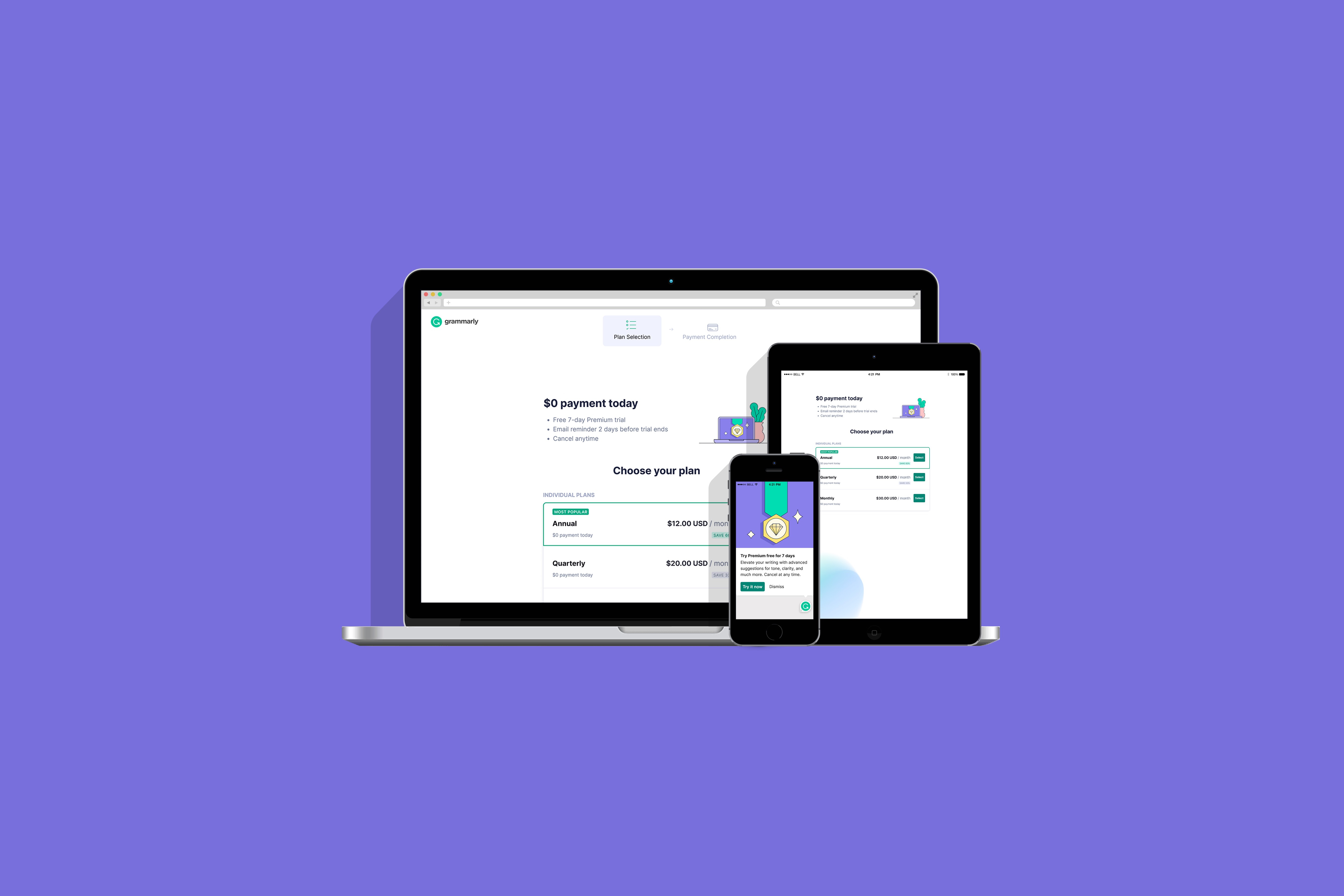
Grammarly
Extension & App
Optimizing the free trial journey to drive a 23% increase in upgrades.